Cock Rubber
Wear it and people can grab you - or hold on and rub. Rubbing builds an arousal level that drives your cock harder over time, plays moans, fires chat emotes, and can drive a real Lovense toy. Everything below is optional: switch off whatever you don't want.
Grab vs Rub
A quick click is a grab. Holding for a moment turns it into a rub - and only rubbing builds arousal.
Arousal System
Rubbing builds an arousal level from 0 to 100%. Your firmness, dripping, your Lovense toy and your emotes all follow it.
Works on its own
No cock worn? Moans, emotes, arousal and your Lovense toy all still work. The P is optional.
Website too
Every setting is on your dashboard, plus private stats you can't see in world.
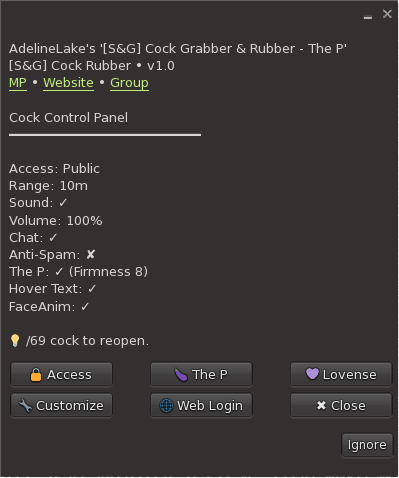
/69 cock in local chat. The title line shows which
version you're running.
Getting started
-
Wear it
Wear the Cock Rubber from your inventory. It sets itself up on the first wear - there is nothing to configure before it works.
-
Wear your P (optional)
The cock itself is The P (Physics Cock) by ASA - a separate product from another creator that you buy and wear yourself. Wear it at the same time and the two find each other automatically. There is no pairing step.
-
Open the menu
Click your rubber, or type
/69 cock. Everything lives under . -
Link it to the website (optional)
From the main menu tap and a personal link opens. It signs you straight into your dashboard - no password to remember.
Grab vs rub - the difference that matters
This is the single most useful thing to understand about the product, and it is not obvious:
A grab
A click shorter than a quarter of a second. Plays a moan, fires a grab emote, plays your face animation, and counts in your stats.
It does not move your arousal at all.
A rub
Holding the button down for a quarter of a second or longer. Everything a grab does, plus your arousal starts climbing straight away and keeps climbing while they hold on.
Rubbing "hard" vs "slowly"
The product watches how fast someone drags their mouse across you - not how fast they click, and not how long they hold. Holding the button perfectly still reads as gentle. Drag quickly and the hover text and emotes switch from slowly to hard.
The Arousal System
Your rubber has a built-in Arousal System. Rubbing raises your arousal level, letting go lets it fall, and everything else follows it: how hard you get, when you start dripping, how strongly a Lovense toy buzzes, and which emotes fire. Switch on Hover Text for an optional gauge above you showing the live percentage.
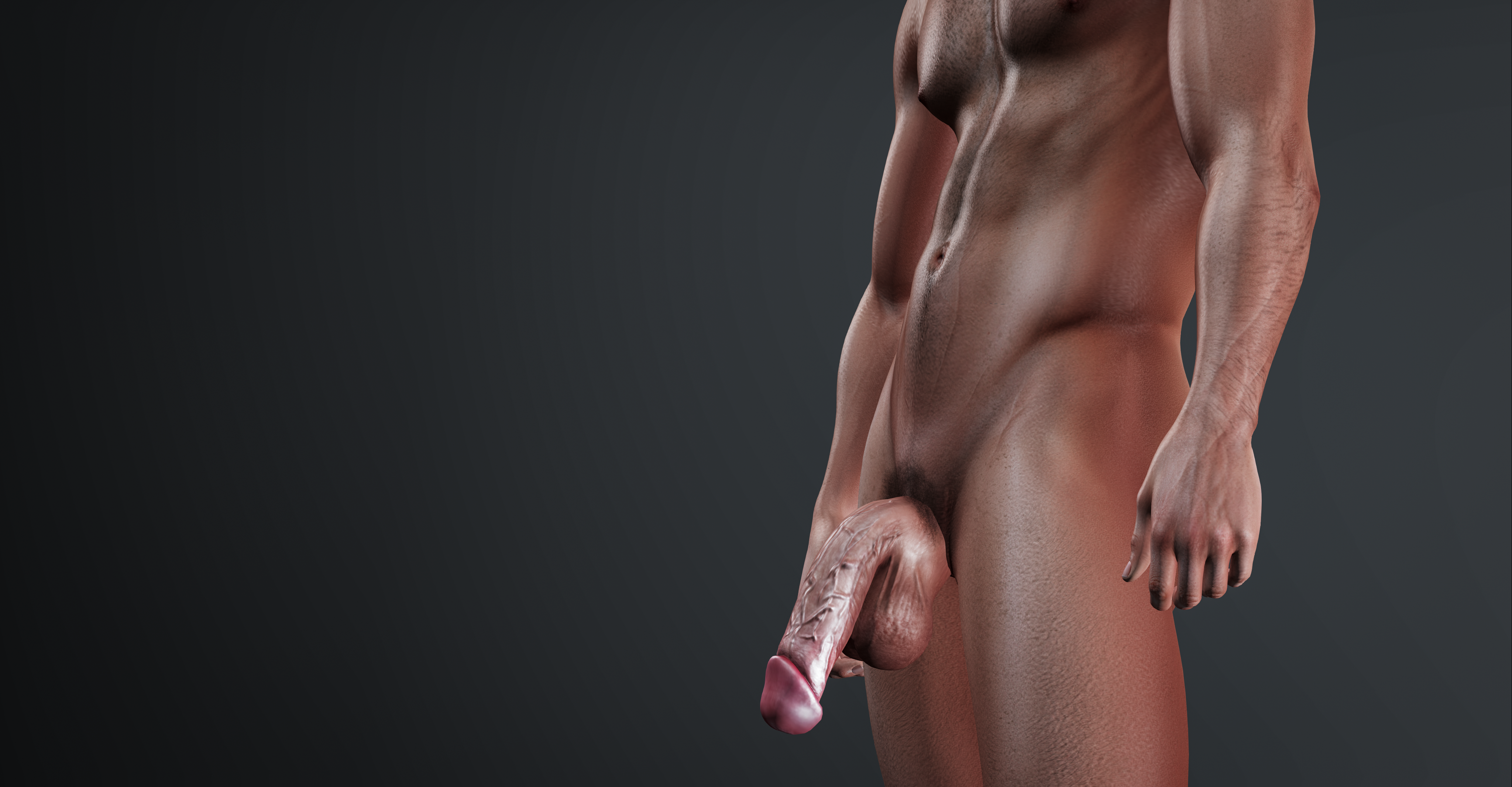
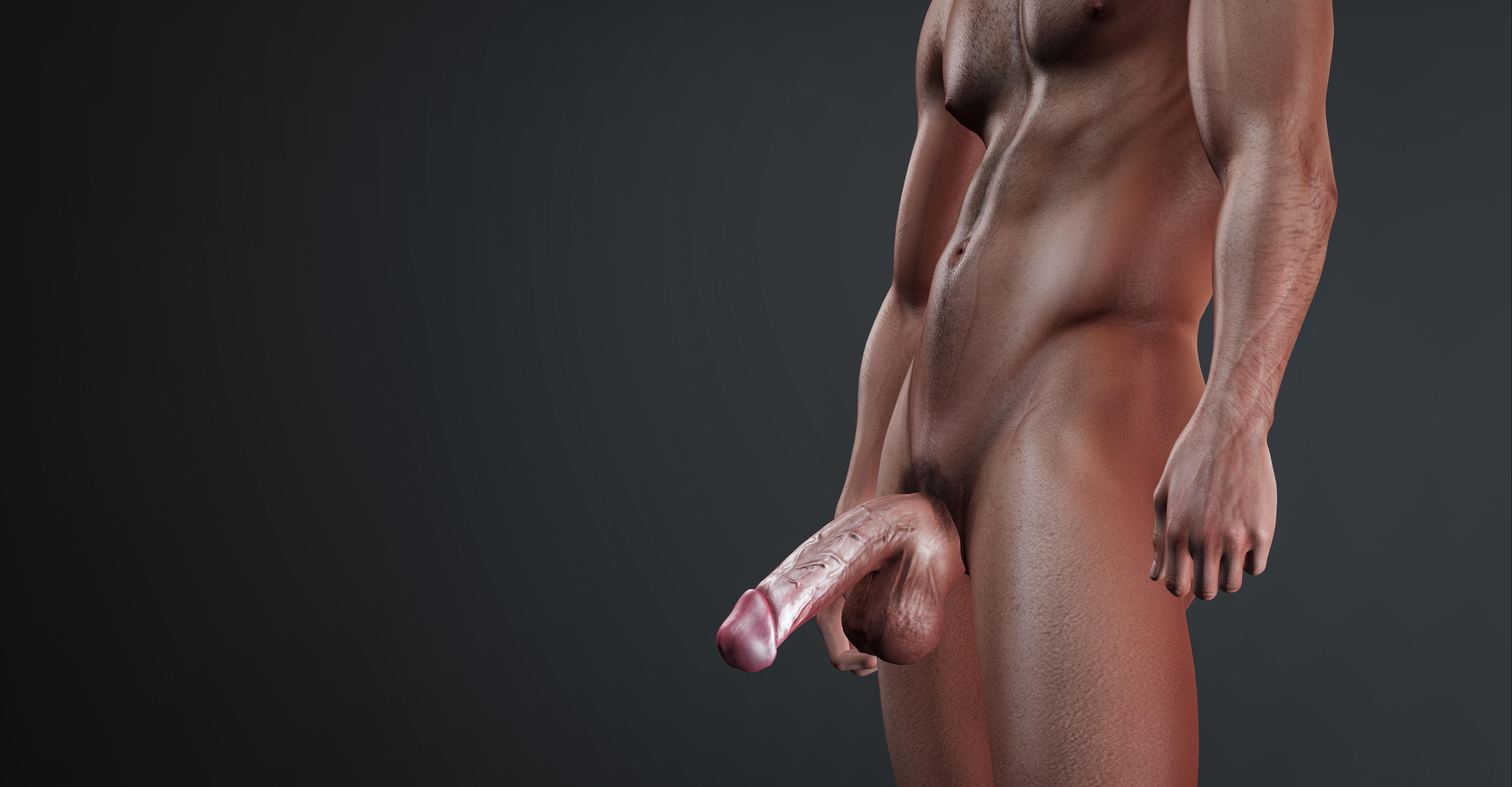
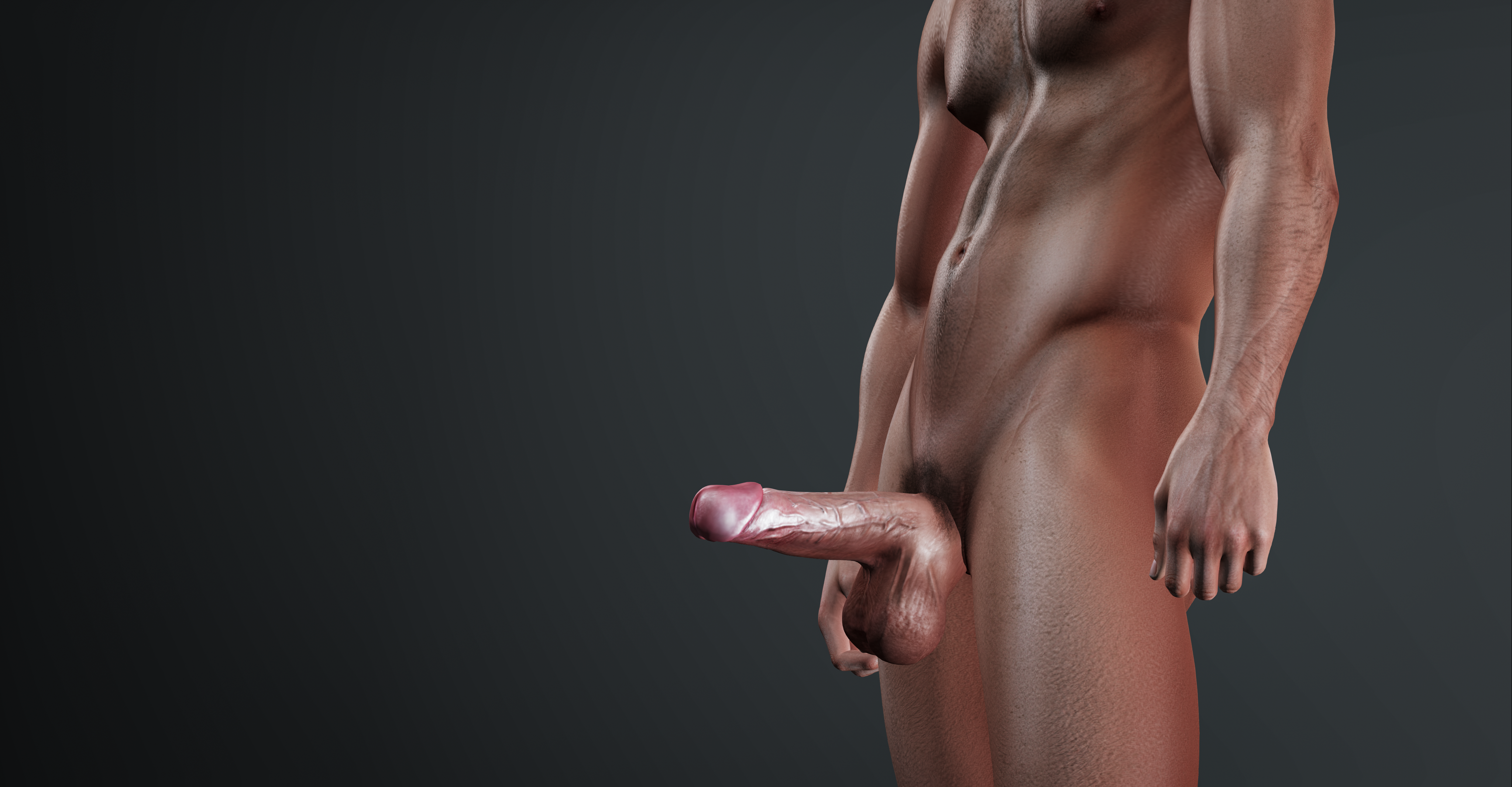
Here is what happens as it climbs:
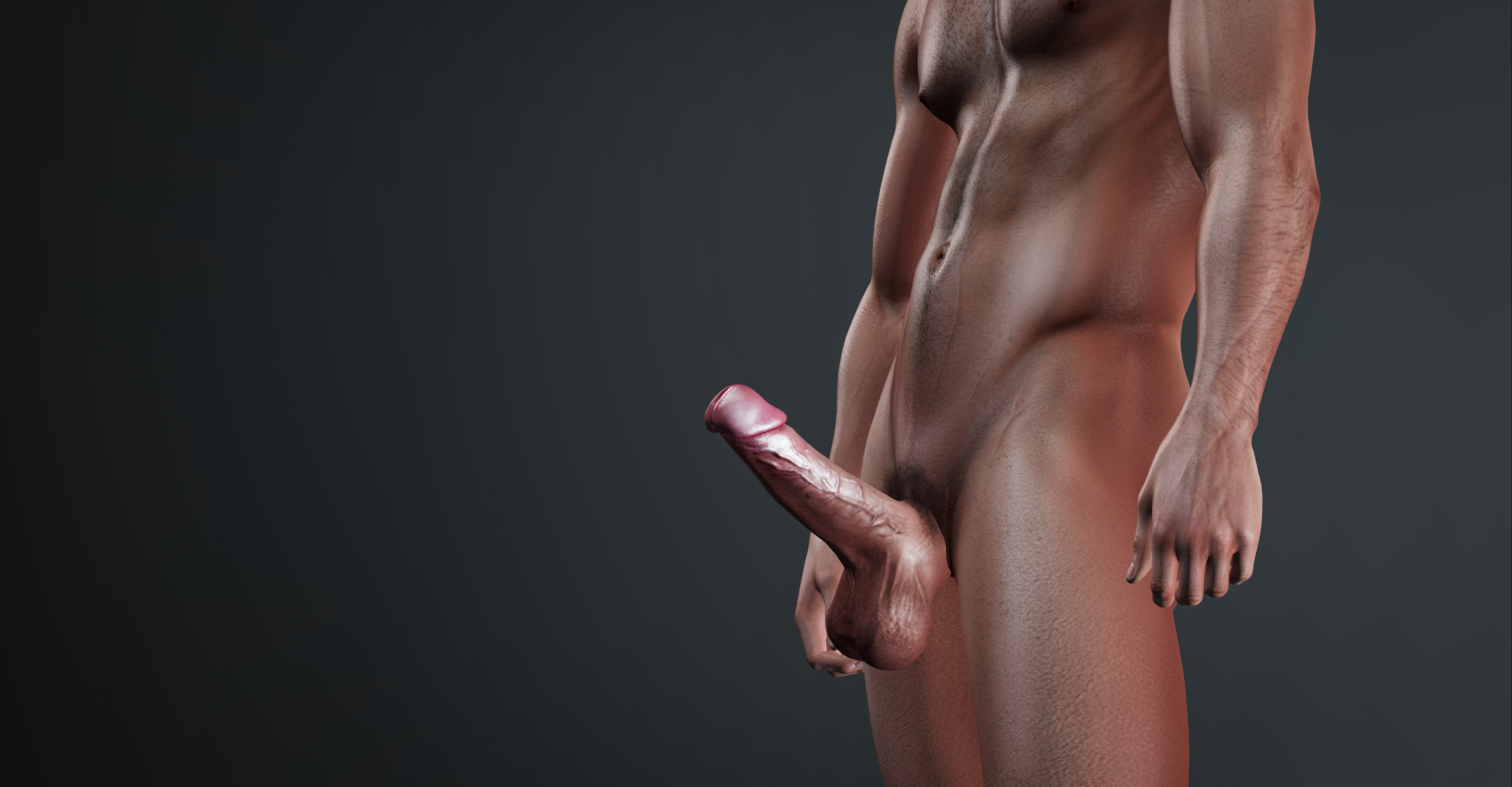
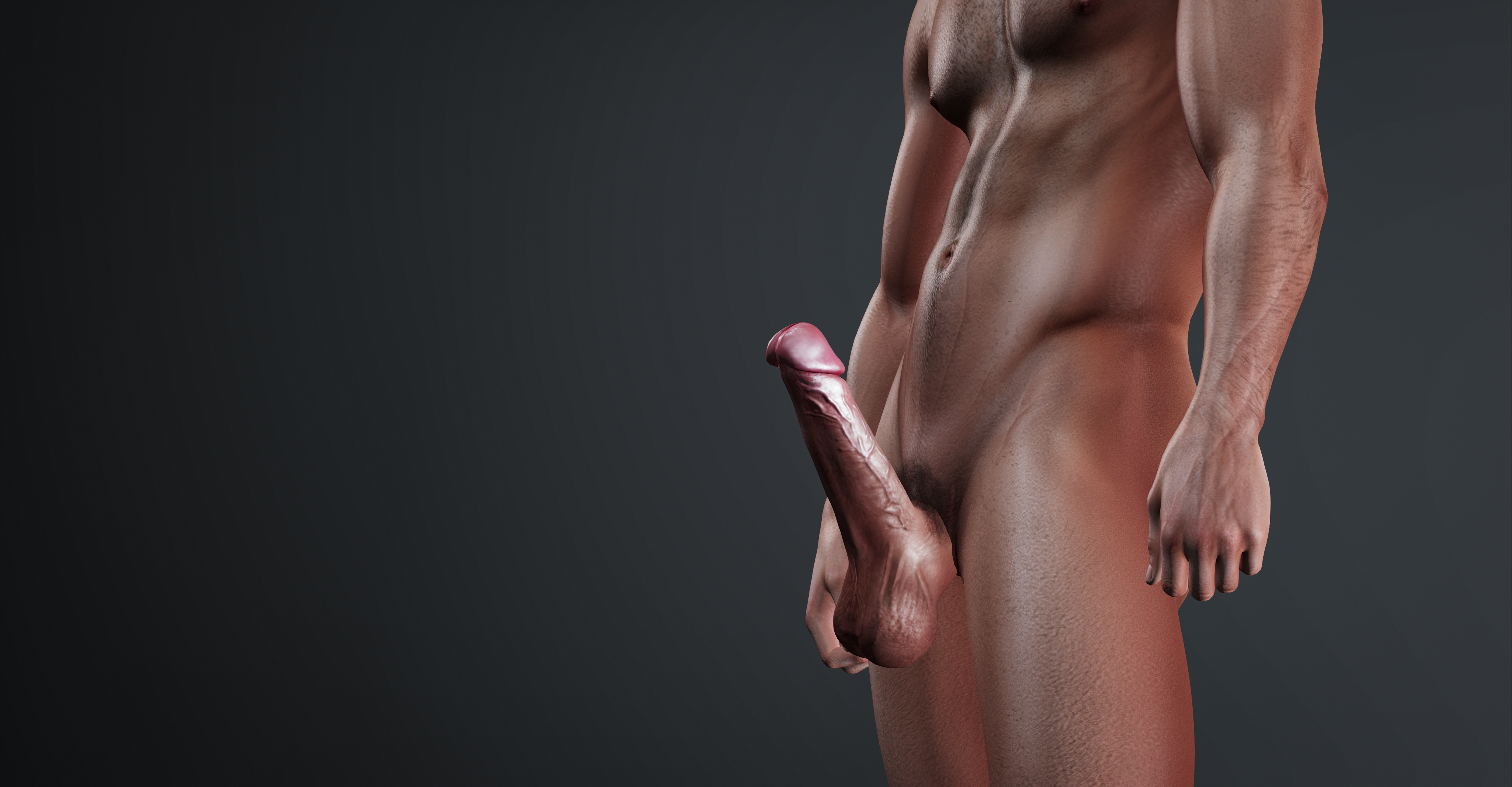
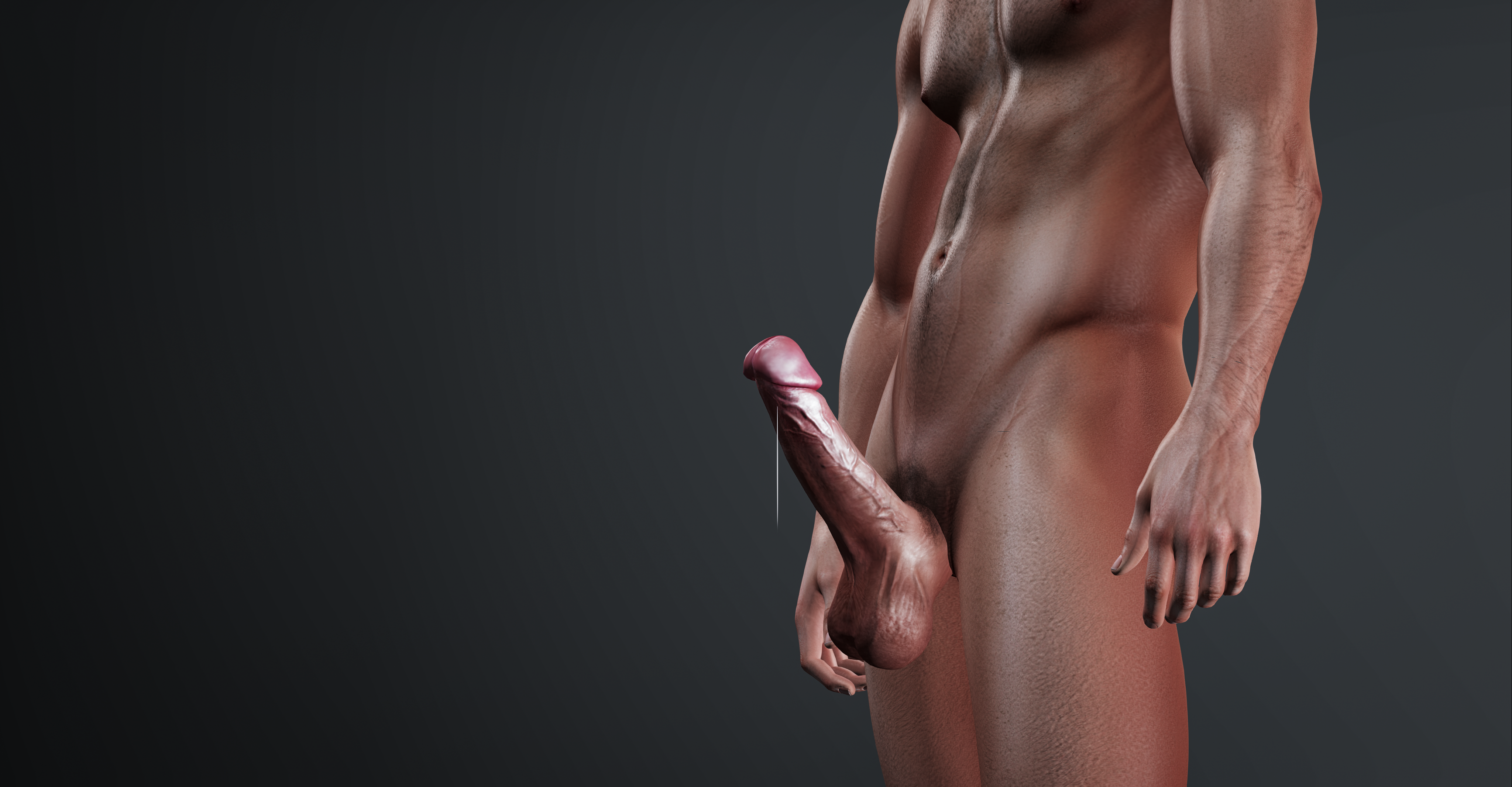
How fast it climbs
sets the pace, 1 (slow) to 5 (fast). Decrease works the same way for coming back down.
| Increase rate | Per 1% | To fully hard (45%) | To 100% |
|---|---|---|---|
| 1 (slow) | 5 seconds | 3 min 45 s | 8 min 20 s |
| 2 | 4 seconds | 3 min | 6 min 40 s |
| 3 - default | 3 seconds | 2 min 15 s | 5 min |
| 4 | 2 seconds | 1 min 30 s | 3 min 20 s |
| 5 (fast) | 1 second | 45 s | 1 min 40 s |
Times assume one unbroken rub. A hard rub through the 30–45% window shaves a little off.
When they let go
Letting go isn't instant. Your level keeps climbing for about a second, and the first real drop lands roughly 2 to 3 seconds after they stop. At that moment your cock switches from an active pulse to its own slower throb, a connected toy stops, and the "rubbed by" name disappears from your hover text while the percentage carries on counting down.
The rest of the P settings
| Setting | Default | What it does |
|---|---|---|
| Enabled | On | Lets rubbing drive your P. Off still leaves sound, chat, arousal and your Lovense toy working. |
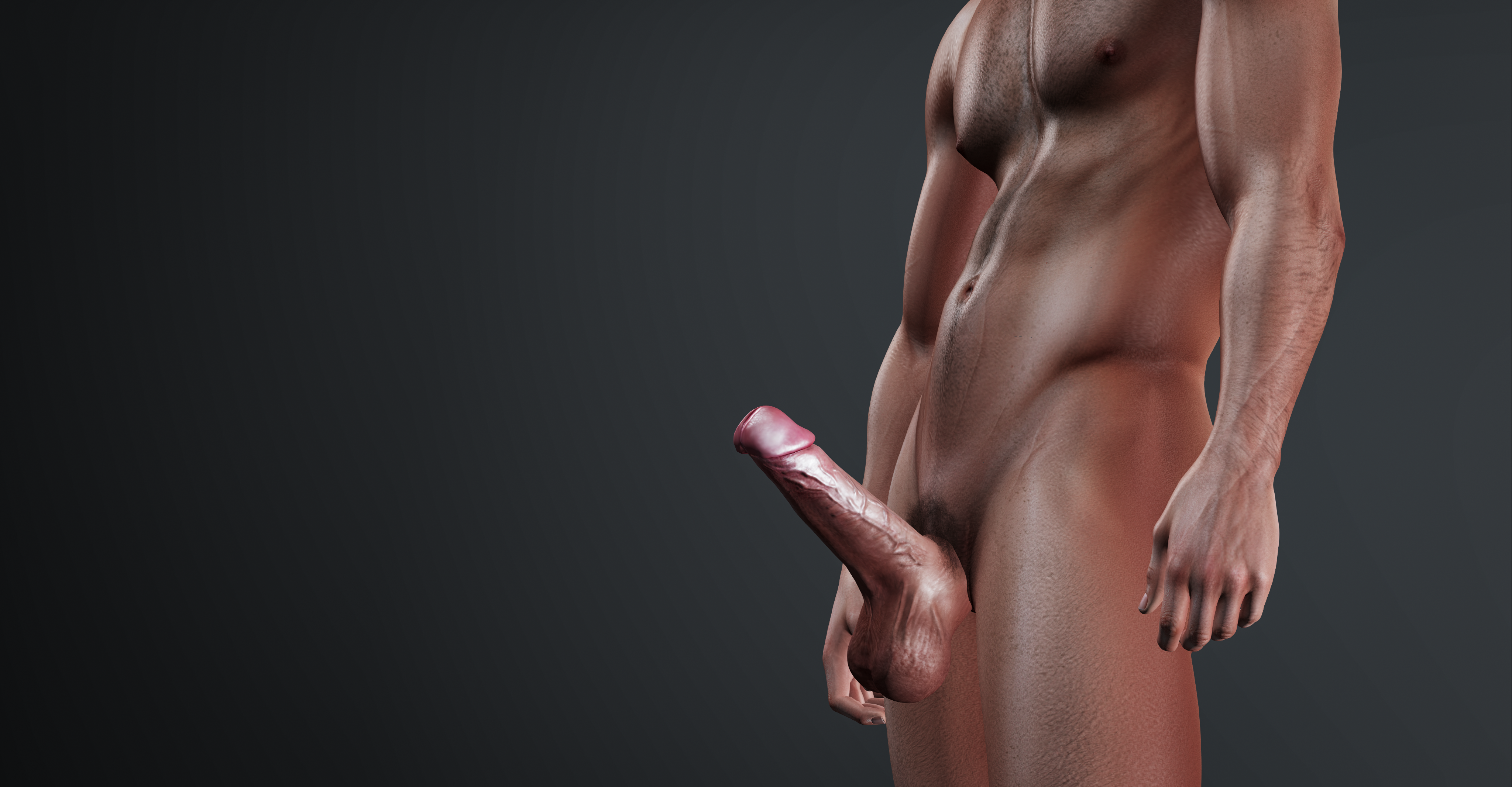
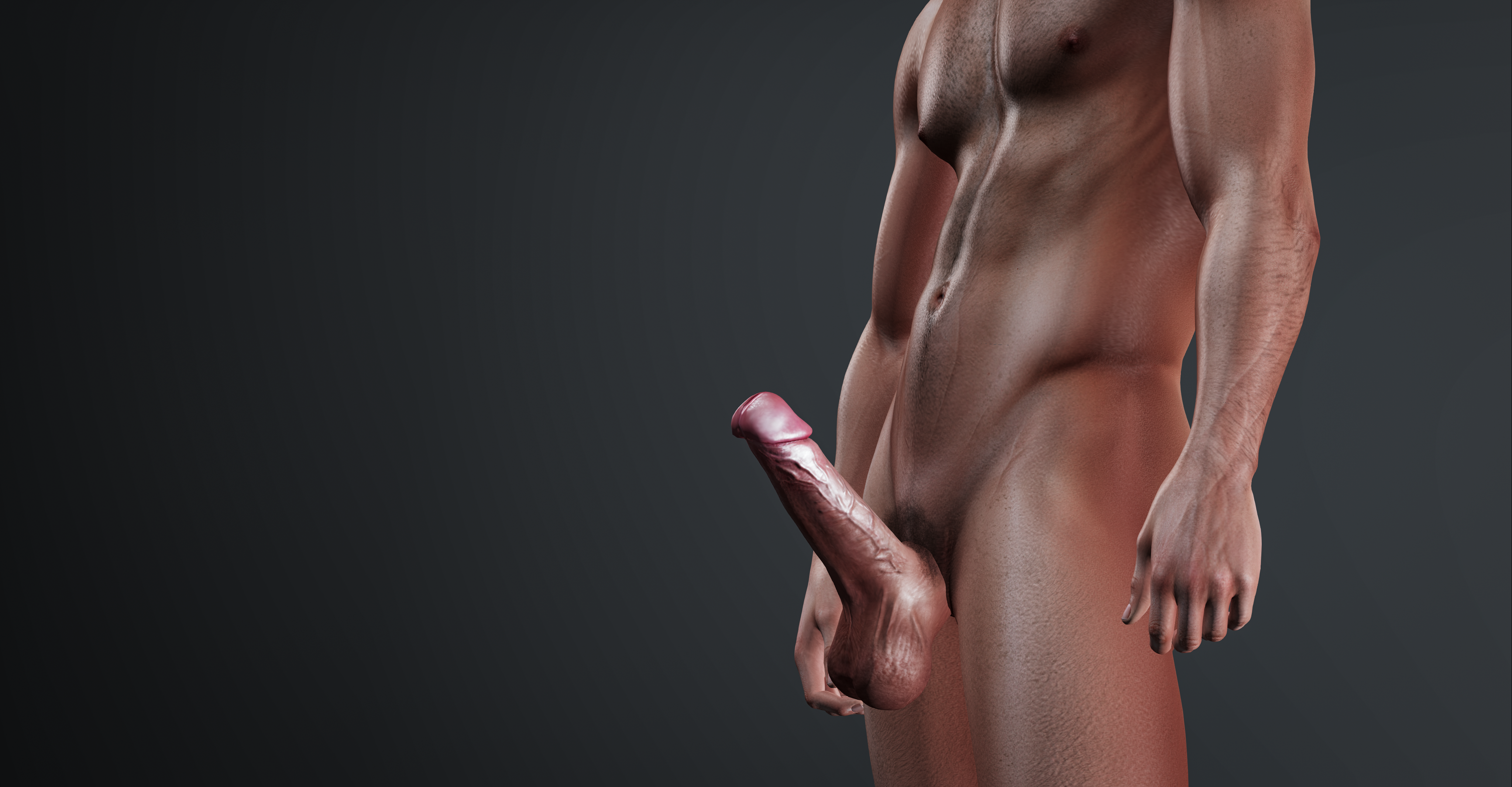
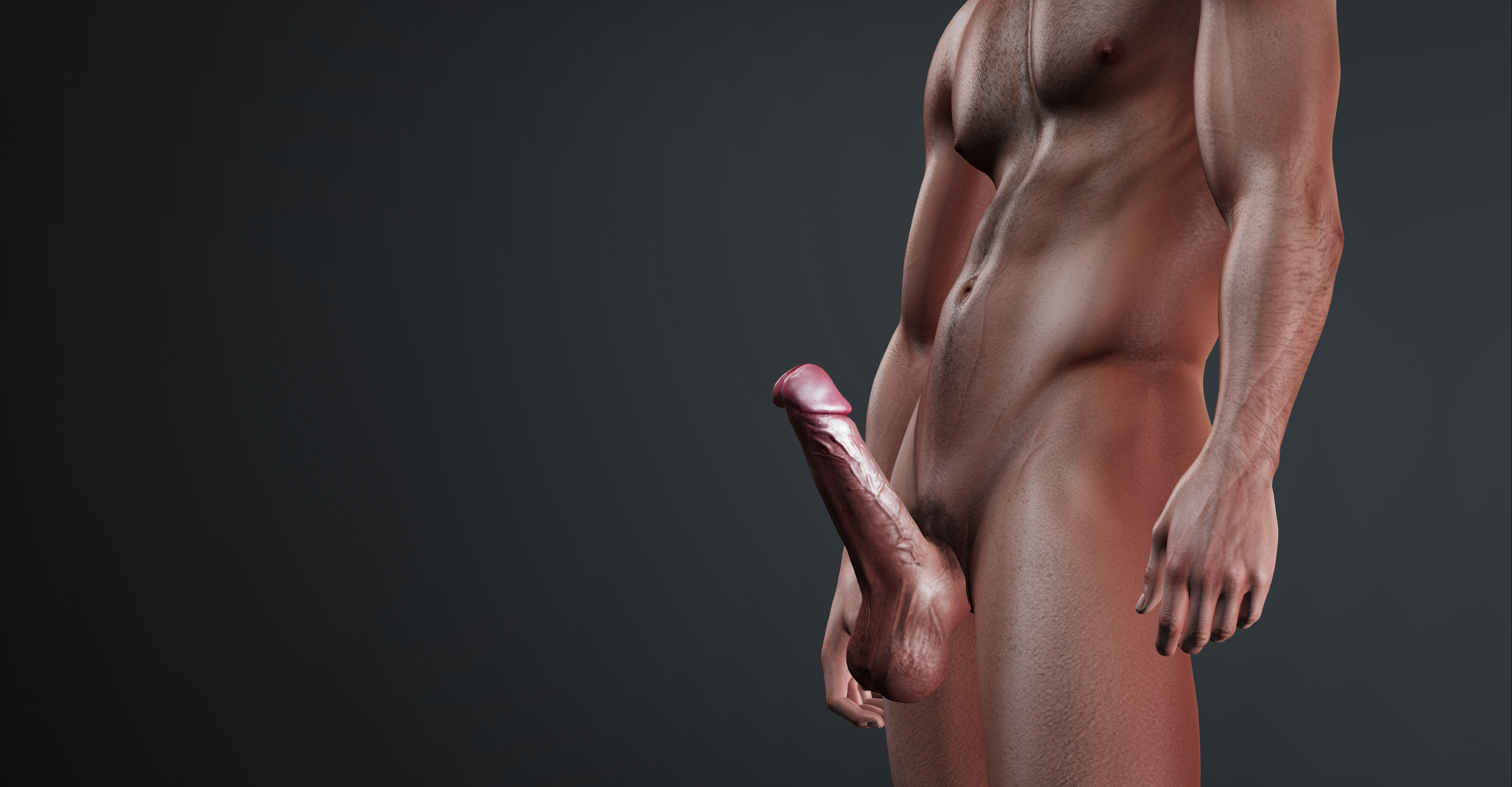
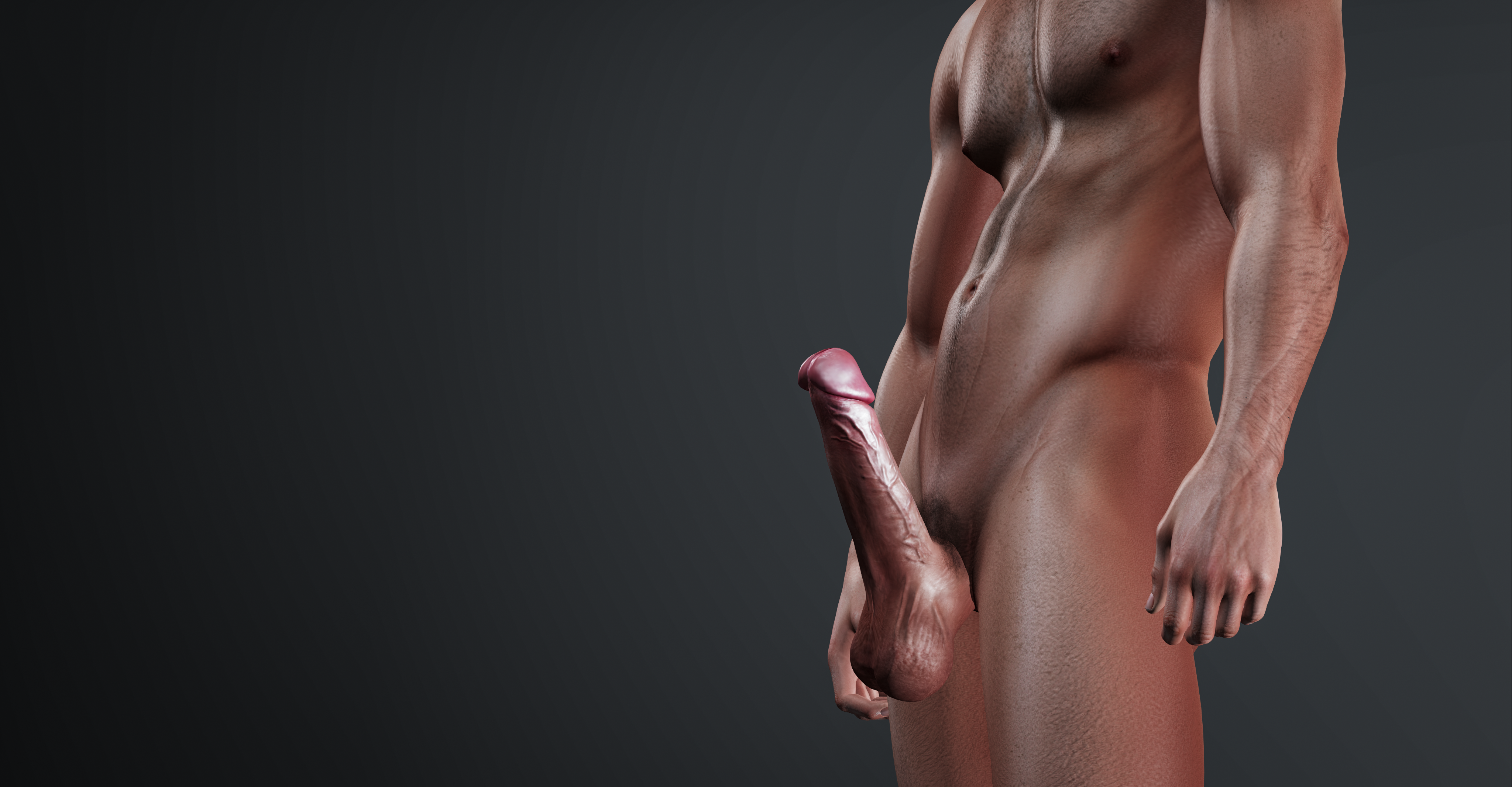
| Firmness | 8 | How hard you get at peak, from 4 (straight out) up to 10 (pointing up). Tap a level while wearing your P and it holds that firmness for a couple of seconds so you can see it - see the levels below. |
| ShowOnRub | Off | Reveals your cock automatically when a rub starts. Needs The P switched on. |
| Hover Text | Off | An optional gauge above you showing your live arousal %, who is rubbing and whether they are going slowly or hard. |
| FaceAnim | On | Plays a facial expression when you're grabbed or rubbed - see below. |
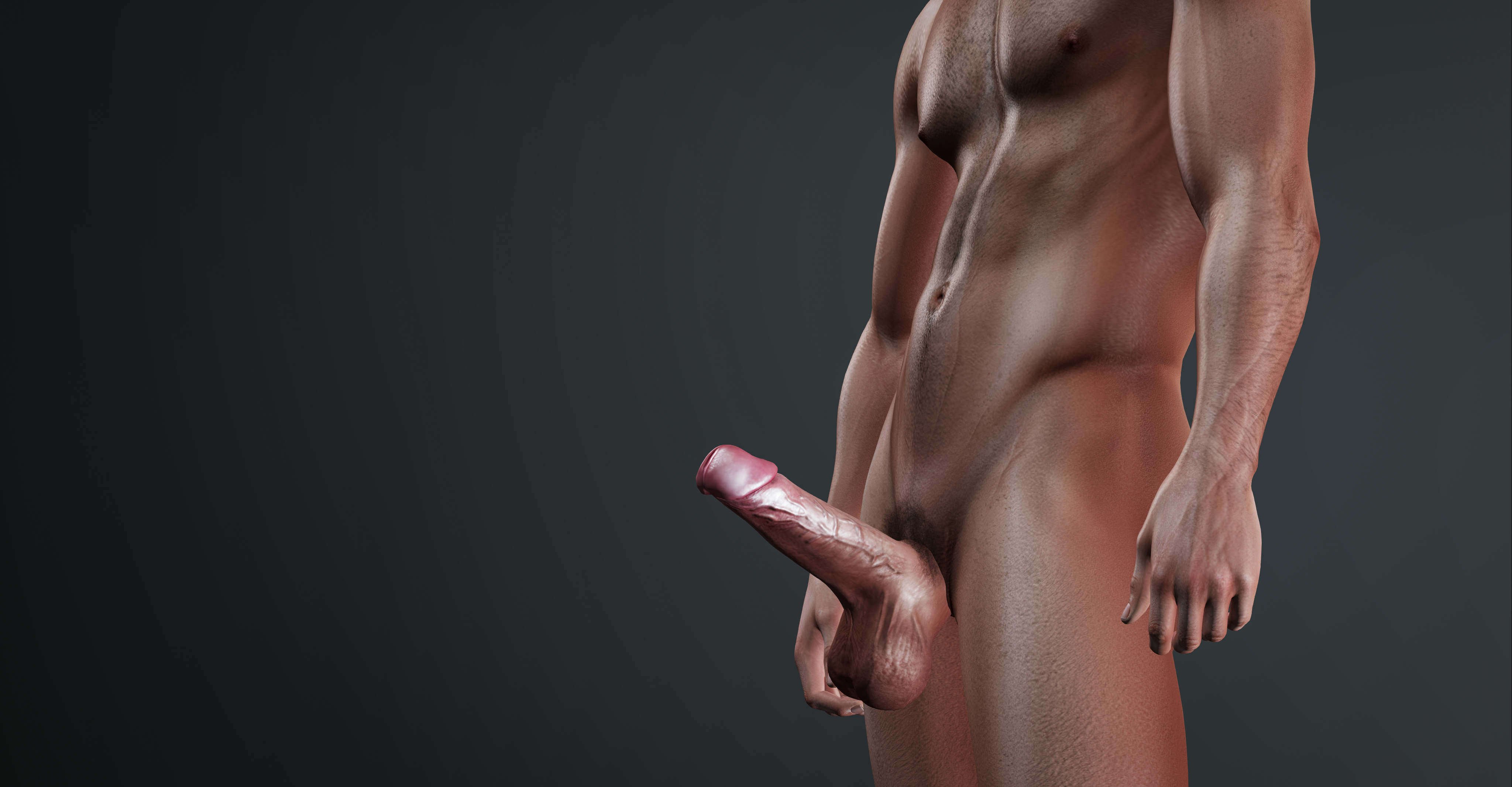
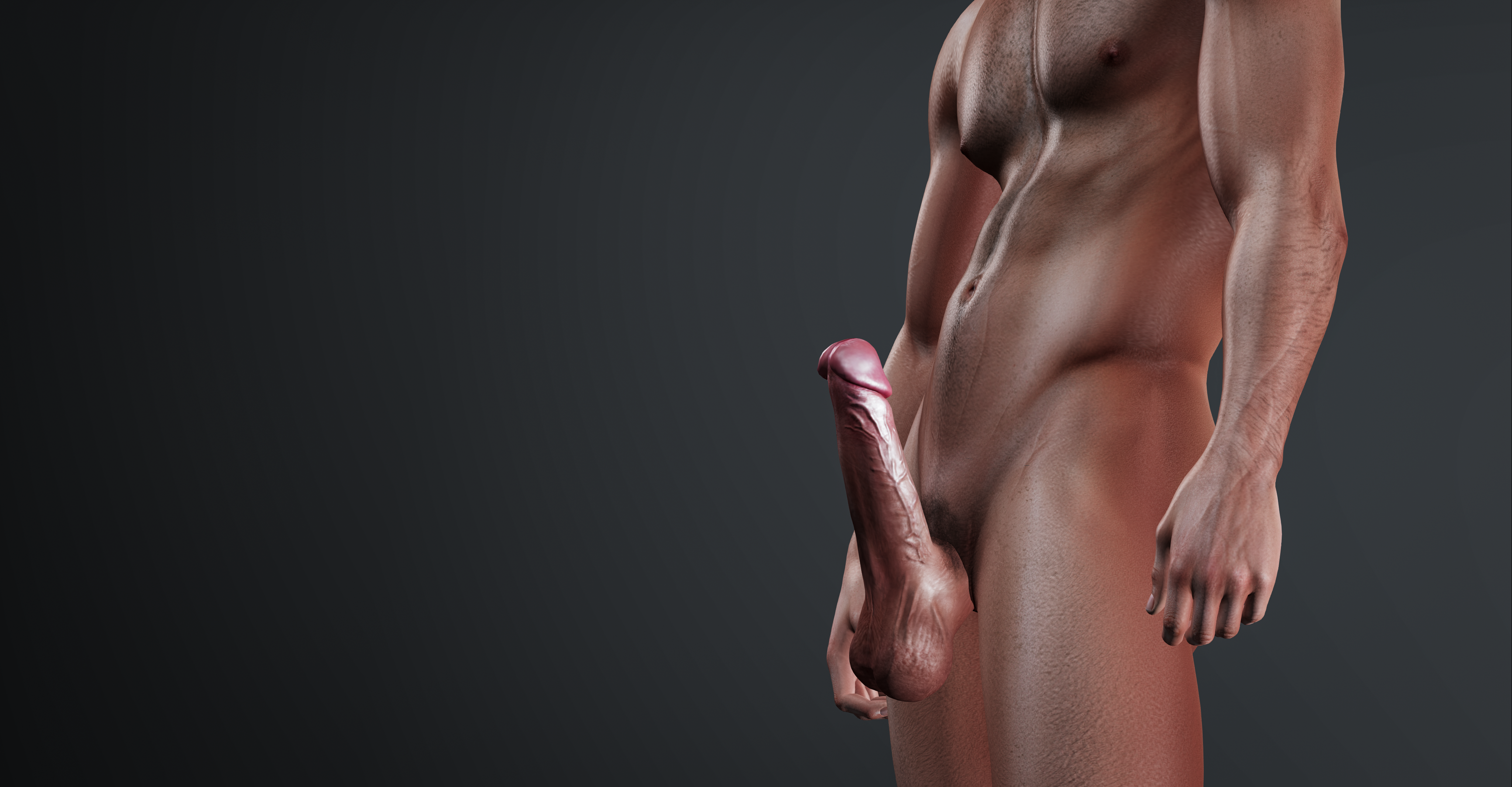
The seven firmness levels
Firmness sets how hard you get at your peak. Tap a level in the menu while wearing your P and it holds that firmness for a couple of seconds, so you can compare them without waiting for a rub.

Cumming: Limit, Recovery and Refractory
These three settings are the most confusing part of the product, so here they are in one line each:
Cum limit
How many. How many times you can cum before you're spent.
Refractory
How soon after the last one. The shortest gap between two cums.
Recovery
How long until the count forgets. Quiet time before your tally clears.
What each one actually does
| Setting | Default | Choices | Detail |
|---|---|---|---|
| Auto-Cum | Off | On / Off | Rubbing you to 100% arousal makes you cum. (Not 45% - that's just when you're fully hard.) |
| Cum limit | 3 | 1, 2, 3, 5, Unlimited | After this many, you're spent: rubbing can't push you past 85%, so you can't cum again until Recovery clears the tally. |
| Refractory | 30s | Off, 15s, 30s, 1 min, 2 min | The shortest gap between two cums. Off still leaves about 5 seconds, so one long rub can't climax over and over. |
| Recovery | 5 min | 5 / 15 / 30 min, 1 hr | Quiet time after your last cum before the tally clears. It clears a part-used tally too - not just a full one. |
| Soften | Off | On / Off | Drops you back to soft after each cum instead of staying hard. |
Refractory or Recovery? A worked example
Everything at its default - Auto‑Cum on, limit 3, Refractory 30s, Recovery 5 min, and someone rubbing you steadily at the default speed:
- Rubbing starts. Five minutes of steady rubbing to go from 0% to 100%.
- Cum #1. Tally 1 of 3. Refractory now blocks another one for 30 seconds.
- Cum #2 - as soon as Refractory allows it. Tally 2 of 3. They never stopped rubbing, so you were already back at 100%.
- Cum #3 - you're now spent. Tally 3 of 3. Rubbing can no longer push you above 85%, however long they keep going.
- Recovery clears the tally - 5 minutes after that last cum. You're no longer spent, and the ceiling lifts back to 100%.
- Cum #4. Only 45 seconds, because you were still sitting at 85%.
Things worth knowing
/69 cumis exempt. It makes you cum on demand and never counts toward your limit. It won't fire twice in a row while one is still playing.- Raising the limit while spent un‑spends you immediately - no need to wait out Recovery.
- Detaching and re‑wearing clears the tally without touching any of your settings. Use that rather than a factory Reset, which puts every setting back to default.
- Spent still feels like something. You stay pinned near 85%, which is exactly the point where a Lovense toy is at your full Max Buzz.
Connecting a Lovense toy
Your rubber can drive a real Lovense toy, so being rubbed in world is something you actually feel. Pairing happens in Second Life, and you only do it once.
-
Get the Lovense app
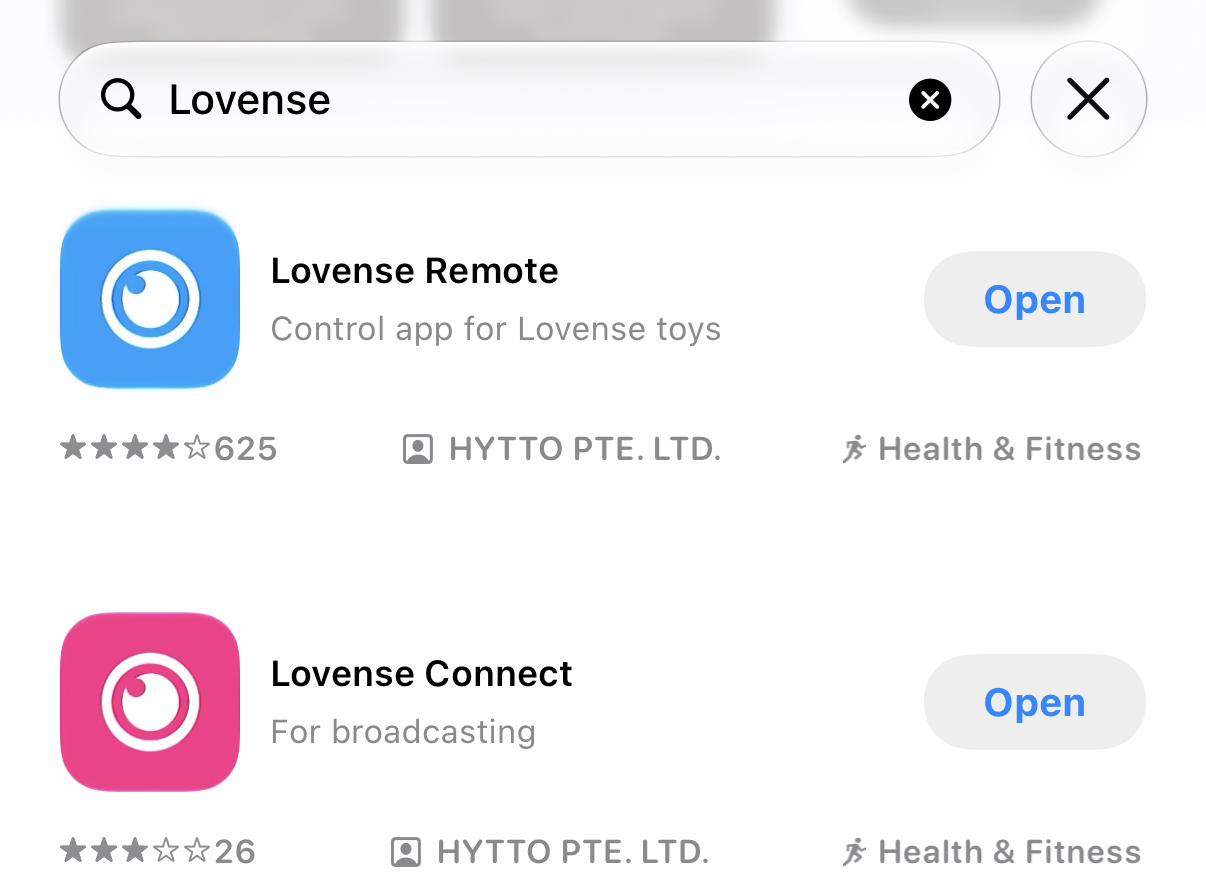
Install Lovense Remote or Lovense Connect on your phone and make sure your toy is switched on and paired to the app itself first.
-
Open Connect in your rubber
In world, go to . A QR code opens on your screen.
-
Scan it in the app
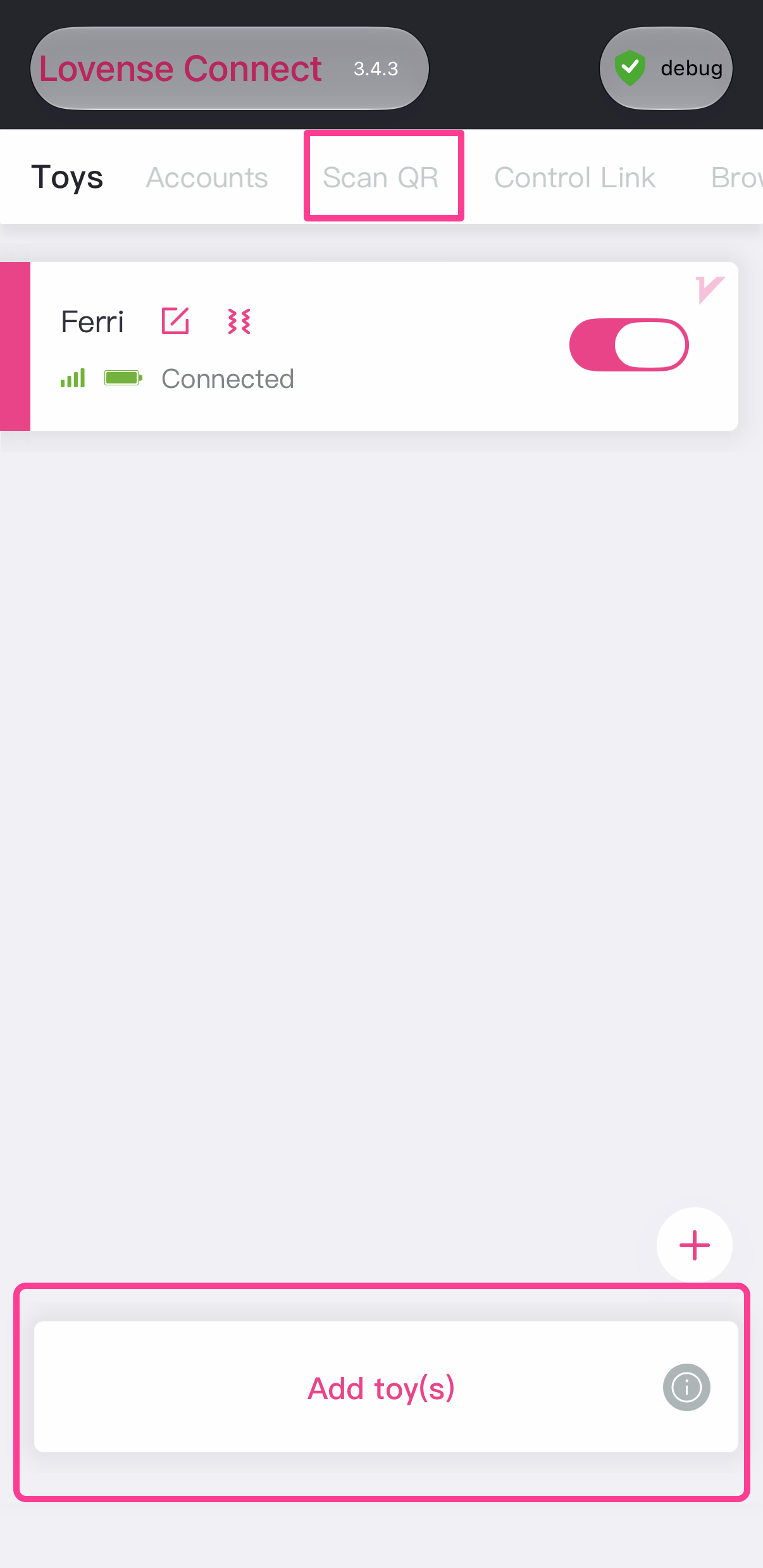
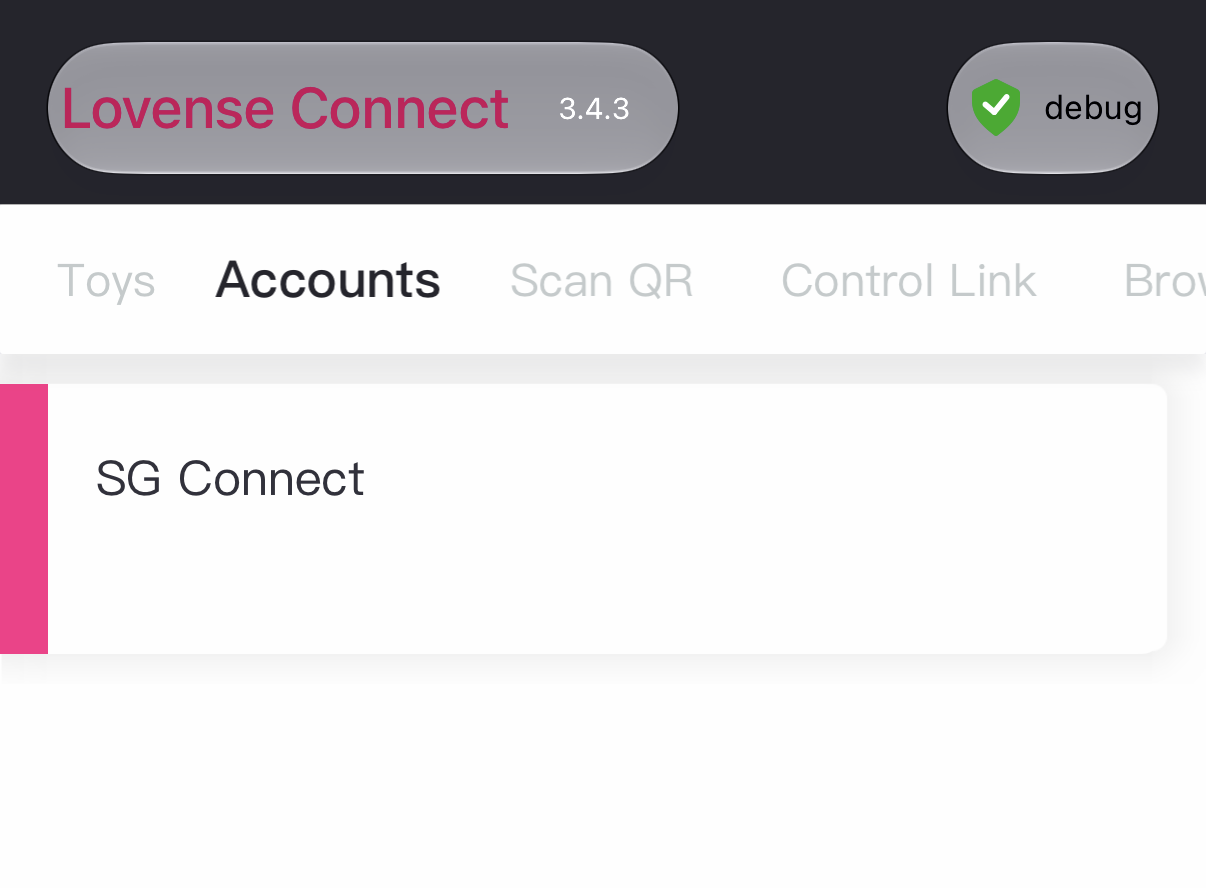
In Lovense Connect, tap Scan QR at the top. In Lovense Remote, tap the + and then Scan QR.
Lovense Connect 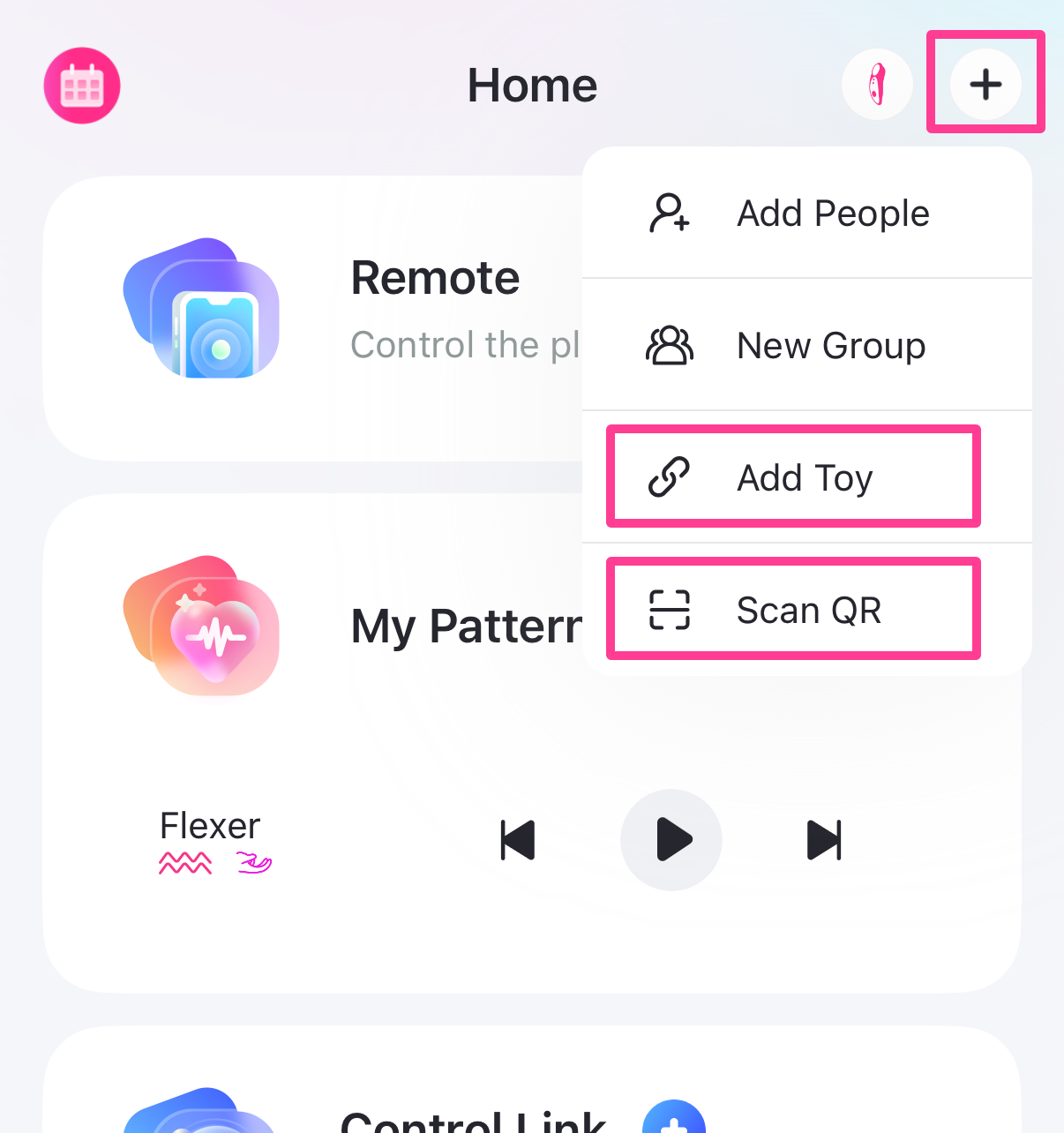
Lovense Remote -
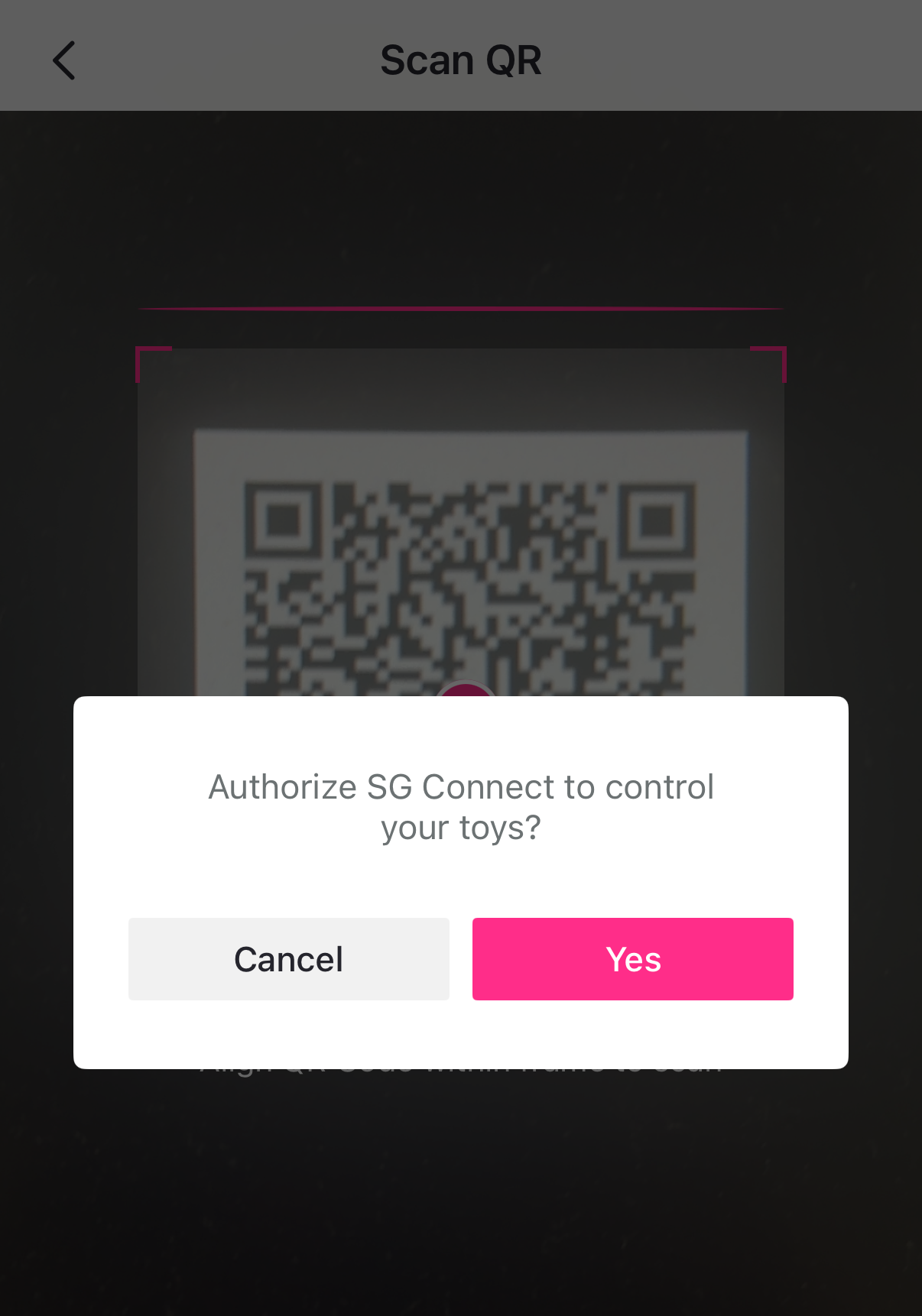
Approve it
Approve SG Connect when the app asks.
-
You're linked
The app shows it's being controlled by SG Connect. Nothing else to do - go get rubbed.
Lovense Connect 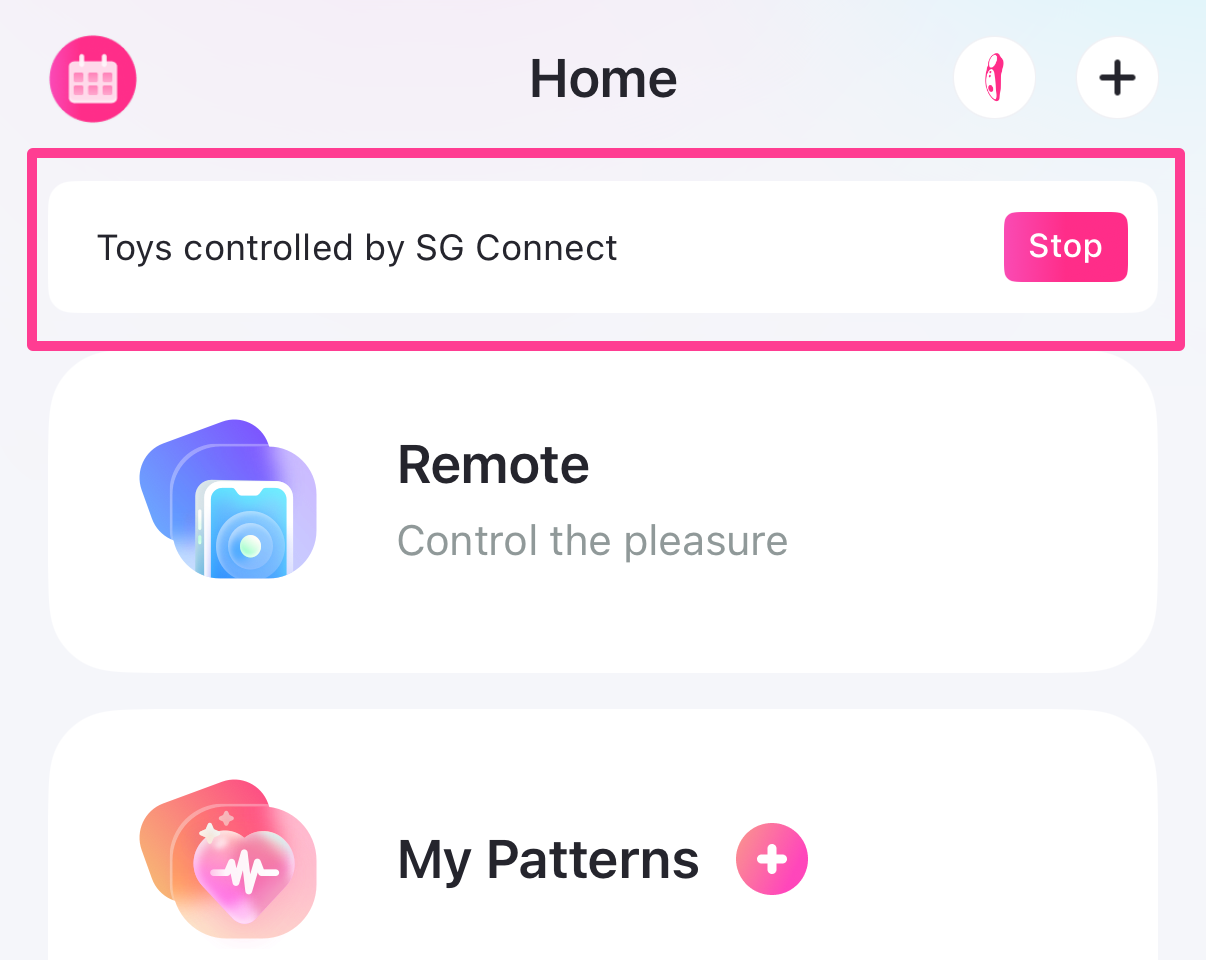
Lovense Remote
Max Buzz - how strong it gets
is a ceiling from 0 to 20, and it defaults to 20. The buzz rises with your arousal, quickly at first and then levelling off, reaching your ceiling at 85% and holding there to 100%.
| Your arousal | 5% | 20% | 45% | 60% | 85%+ |
|---|---|---|---|---|---|
| Max Buzz 20 | 5 | 10 | 15 | 17 | 20 |
| Max Buzz 10 | 2 | 5 | 7 | 8 | 10 |
Set Max Buzz to 0 and the toy never buzzes at all, which is the clean way to mute it without unpairing.
Moans
Your rubber ships with three built-in moans - Moan 1, Moan 2 and Moan 3. They can never be removed. Extra moans are sold separately as small applier objects.
Installing one you've bought
Wear or rez your rubber
It has to be nearby for the applier to find it.
Touch the applier
It installs the moan and switches it on. Touch it again later and it offers to take it back out.
Choose which moans are in rotation at , and remove ones you installed at . Only your own installs are listed there - the built-in three are always kept.
Face animation
With FaceAnim on (it's on by default), being grabbed or rubbed plays a facial expression. It rotates through every animation inside your rubber, so you can drop in as many of your own as you like, or take them out.
Chat emotes
Grabs, rubs and arousal milestones each fire a line of text. Under you can set them to show in local chat, keep them Private (only you and the person touching you see them), or switch them off.
Anti‑Spam sets a wait between emotes, counted per person - so one enthusiastic friend can't mute everyone else.
Writing your own
Right‑click your rubber, choose Edit, open the Contents tab and edit the notecard called Chat Messages. It has separate sections for grabs, for rubs (with slower and harder variants), and for arousal milestones at 25%, 50%, 75% and 100%. Full instructions are written at the top of the notecard.
Who can touch you
| Mode | Who gets through |
|---|---|
| Public - default | Anyone in range. |
| Friends Only | Only your Second Life friends. |
| Whitelist | Only the people on your list. |
| Blacklist | Everyone except the people on your list. |
Block Self sits alongside whichever mode you pick and stops you rubbing yourself. It never locks you out of your own menu - clicking your rubber always opens it.
Range is 3m, 5m, 10m (default), 20m or No Limit. Anyone further away can't touch you at all.
The web dashboard
Everything you can set in world, you can set at dashboard.shitsandgigglessl.com on a proper screen - plus private stats that aren't in the in‑world menu at all.
How the two stay in step
In world → website
Immediate. Change something in your menu and the website has it moments later.
Website → in world
Your product collects changes when you wear it. Already wearing it? Tap HOME on your S&G Web HUD.
The dashboard also keeps your private stats: how many times you've been touched, who touches you most, who makes you cum, and a recent list that splits grabs from rubs. Nobody else can see it.
Chat commands
Type these in local chat. They only work for you.
| Command | What it does |
|---|---|
/69 cock | Opens your menu. |
/69 cock show | Reveals your cock. Needs The P worn. |
/69 cock hide | Hides it again. |
/69 cum | Makes you cum on demand. Never counts toward your Cum limit. |
Troubleshooting
"The website won't let me save"
Your rubber isn't linked to the dashboard yet. Wear your S&G Web Dashboard HUD, or tap in its menu - the page unlocks by itself within a few seconds.
"I changed something on the website and nothing happened"
Web changes are collected when you wear the product. If you're already wearing it, tap HOME on your S&G Web HUD to fetch them now.
"There's no cock"
The cock is The P by ASA, a separate product you buy and wear yourself. With one
worn, check
is on, and try /69 cock show.
"I'm not getting any harder"
You're probably past 45% already - that's peak firmness, and it's held from there to 100%. Raise Firmness if you want more at the top.
"My Lovense toy isn't buzzing"
- Is someone actively rubbing? The toy stops the moment they let go.
- Is Max Buzz above 0?
- Is the toy on, charged and connected in the Lovense app? We can't see any of that from our side.
- Still nothing? Tap and scan again.
"No sound"
Check is on and the volume isn't at 25%. Also check you have at least one moan selected under Select.
"The wrong people can touch me"
Check your Access mode and Range, and remember your global Access Lists on the website apply here too. The settings page shows both lists together.
"Arousal is climbing on its own"
Take it off and put it back on. That clears any stuck touch and starts you calm, without changing a single setting.